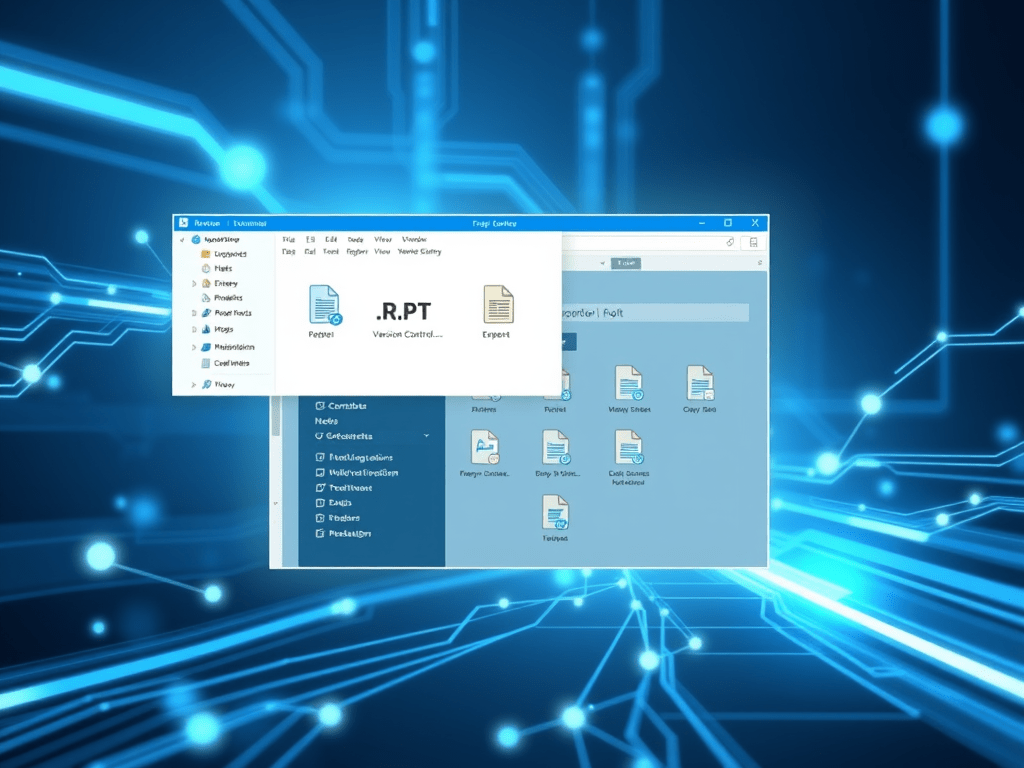
If you work with BI teams, report developers, or manage legacy .rpt files, check out this new utility: CrystalReportVersioner.
This lightweight Windows tool, built on .NET Framework 4.8, provides versioning, archiving, and rollback for SAP Crystal Reports .rpt files.
github.com/kokblackbird/CrystalReportVersioner
Key Features
- Compare original vs changed
.rptfiles. - Automatically create timestamped archives under
archive/<reportName>/vYYYYMMDD-HHmmss/with zipped artifacts. - Generate readable
changes.html,metadata.json, and changelogs for each report. - Revert to previous versions instantly.
- Works with or without the Crystal runtime installed.
Why This Matters
In many organizations, Crystal Reports live on file shares and get overwritten without proper version control. This tool introduces a simple, transparent workflow for tracking and restoring report changes. It provides structure and accountability without requiring a full version-control system.
How to Get Started
- Download from GitHub: github.com/kokblackbird/CrystalReportVersioner
- Build or run directly on Windows (.NET 4.8 required).
- Select your Original and Changed
.rptfiles. - Choose the archive location (defaults to
\<original directory>\archive). - Optionally add a change message, click Push Changes, and generate archives and summaries.
- Use Revert to Last Change to roll back when needed.
Tips and Best Practices
- Maintain clear directory structures for shared reports.
- Even without Crystal runtime, binary diff and archiving features remain useful.
- Integrate changelogs and metadata into your QA and documentation workflow.
- Monitor disk usage; archives can accumulate over time.
- Continue performing regular full backups.
Conclusion
CrystalReportVersioner solves the common “Which version is live?” problem for Crystal Reports users. It’s a focused, efficient utility that brings version control discipline to your reporting environment with minimal setup.



 Hypersonic VIP Club
Leave a comment